
Custom Webhook
Send Revefi incident notifications custom webhook endpoints. Use Custom Webhook when your notification platform isn't natively supported by Revefi.
Custom Webhook is a generic HTTPS channel for delivering Revefi incident notifications to any receiver that accepts JSON over POST. Use it when your notification platform is not covered by one of Revefi's native integrations.
Requirements
Your endpoint must:
- Be reachable over HTTPS. Plain
http://URLs are rejected when the connection is created. - Accept
POSTrequests withContent-Type: application/json; charset=utf-8. (See below for details of the JSON payload). - Return a
2xxstatus on success. Any non-2xxresponse is treated as a delivery failure. - If you configure an Auth token in Revefi, it will be sent as an
Authorization: Bearer <token>header on every request.
Add the webhook integration
On Revefi, go to the Connections page and select Custom Webhook.
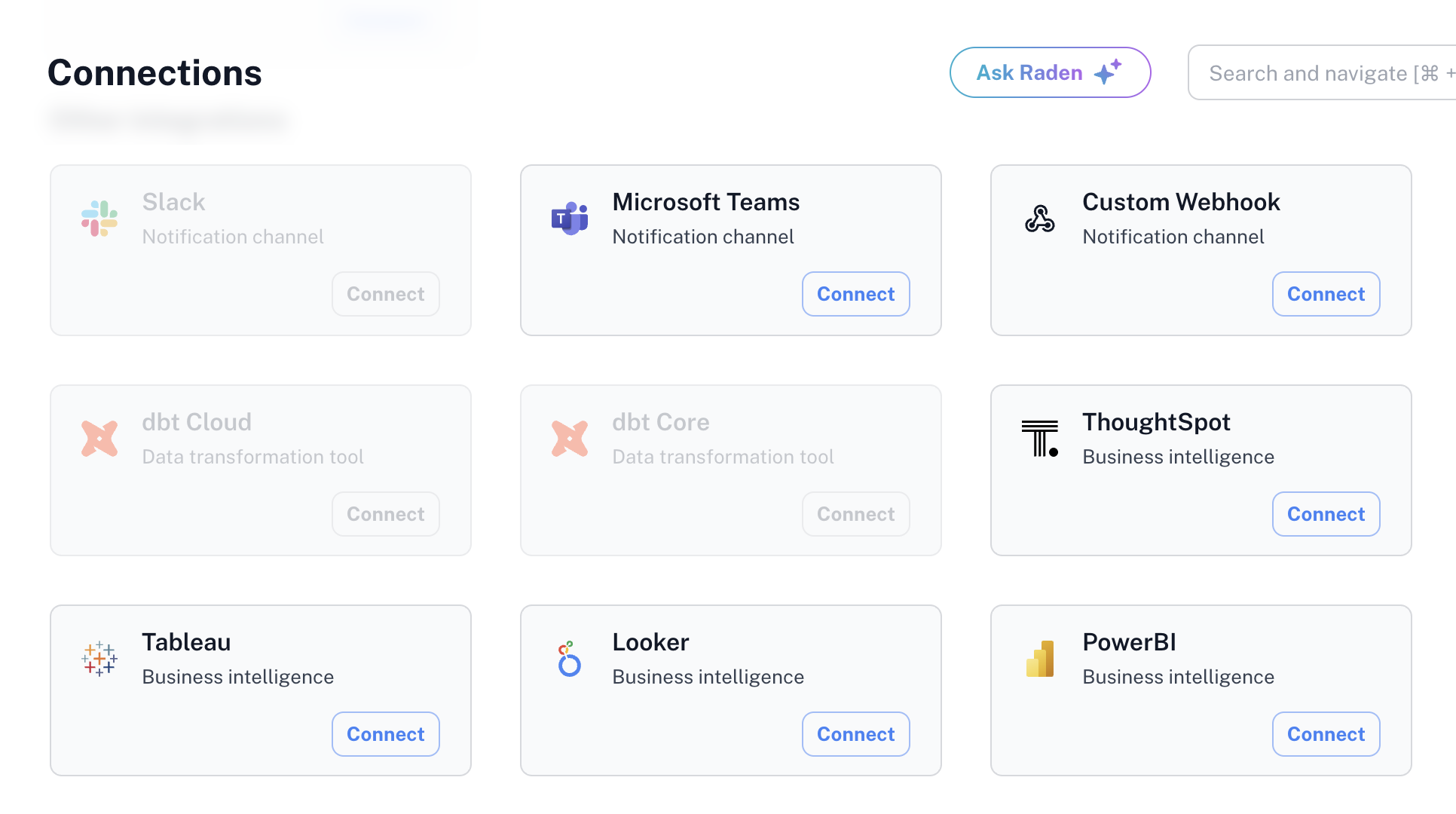
In the connection dialog:
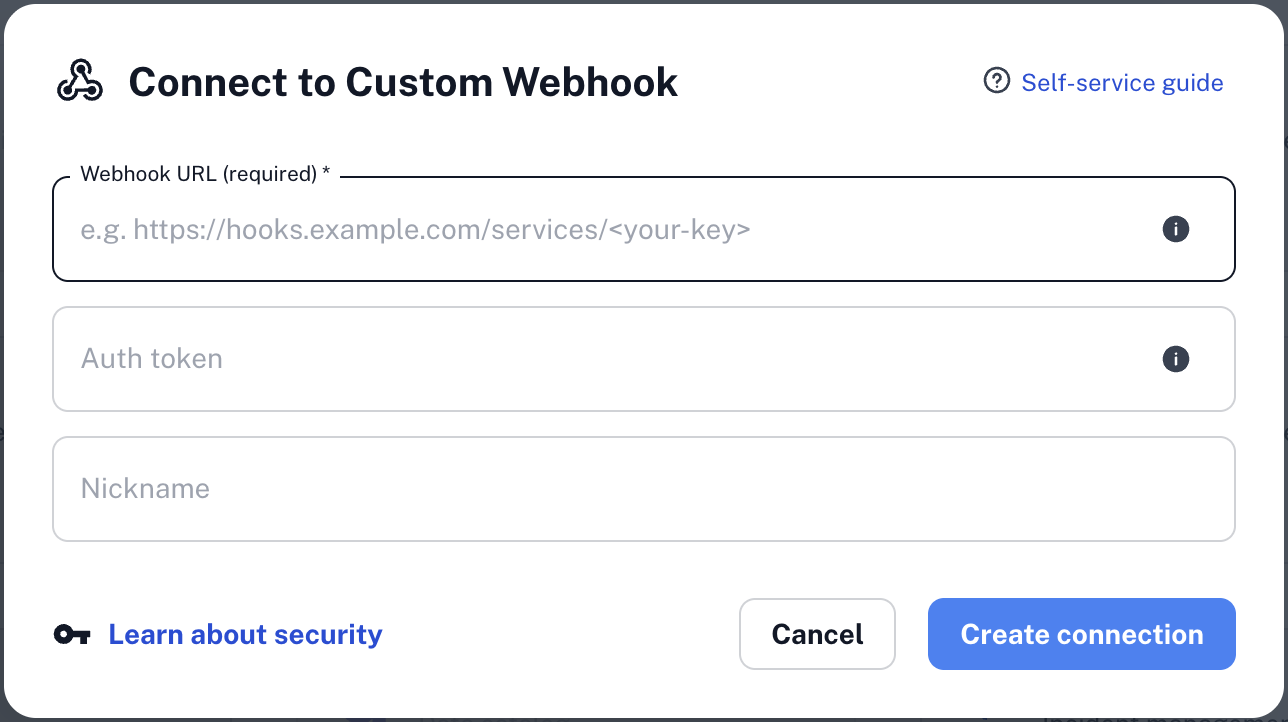
- Enter the Webhook URL that will receive notifications (required).
- Enter an Auth token if your endpoint requires one (optional).
- Choose a friendly Nickname for the connection (optional).
- Click Create connection.
Test notification
When the connection is created, Revefi sends a test message to the webhook URL to verify that it is reachable and accepting traffic. Example test message:
{
  "version": "1",
  "event_action": "test",
  "metadata": {
    "event_creation_time_utc": "<ISO-8601 UTC timestamp>",
    "title": "Integration test message",
    "description": "This is a test message from Revefi (<revefi-app-url>). Revefi will send future notifications to this webhook."
  }
}
Message payload
Each webhook message is delivered as a POST with Content-Type: application/json; charset=utf-8 and, if you configured an auth token, an Authorization: Bearer <token> header.
All fields other than version are optional — Revefi omits a field entirely when the corresponding upstream data is unavailable, so your receiver should treat every nested key as "may be absent".
{
  "version": 1,
  "artifact": {
    "id": "12345",
    "fully_qualified_name": "project.dataset.orders_table",
    "revefi_url": "https://app.revefi.com/artifacts/12345",
    "source_labels": [
      { "key": "owner", "value": "data-team", "source": "project" },
      { "key": "severity", "value": "1", "source": "dataset" },
      { "key": "database", "value": "analytics", "source": "table" },
      { "key": "schema", "value": "public", "source": "table" }
    ],
    "revefi_labels": [
      { "key": "tier", "value": "critical" },
      { "key": "domain", "value": "finance" }
    ]
  },
  "monitor": {
    "id": "789",
    "name": "Data Loaded within SLA",
    "revefi_url": "https://app.revefi.com/monitors/789/12345"
  },
  "monitor_evaluation_result": {
    "evaluated_at_value": 427.0
  },
  "metadata": {
    "event_creation_time_utc": "2026-02-25T15:30:00Z",
    "title": "Data was loaded significantly late. It loaded 21h 11min past the expected time.",
    "description": "Table Loaded Within SLA monitor has failed for the table. The table has not been updated within the SLA threshold of 20 hours 40 minutes. It was last updated 21 hours 11 minutes ago."
  }
}
Field reference
version— Integer schema version of the payload. Currently1.artifact— The data artifact (e.g. table) the incident fired on or the message relates to.id— Revefi's internal artifact identifier, as a string.fully_qualified_name— Dotted fully-qualified name of the artifact in the source warehouse (e.g.project.dataset.table).revefi_url— Deep link to the artifact in the Revefi app.source_labels[]— Labels derived from the data source. Each entry haskey,value, andsource(the level at which the label was attached, such asproject,dataset, ortable).revefi_labels[]— Labels assigned by Revefi. Each entry haskeyandvalue.
monitor— The monitor whose evaluation produced the incident.id— Revefi's internal monitor identifier, as a string.name— Human-readable monitor name.revefi_url— Deep link to the monitor in the Revefi app.
monitor_evaluation_result— The outcome of the evaluation that produced the incident.evaluated_at_value— Numeric value the monitor observed at evaluation time. Units depend on the monitor.
metadata— Human-readable details about the incident itself.event_creation_time_utc— ISO-8601 UTC timestamp of when the incident was created.title— Short, single-line summary of the incident.description— Longer description with additional context.
Updated 6 months ago