
PagerDuty
This integration enables Revefi to create incidents in PagerDuty.
Pre-requisites
A PagerDuty service to route Revefi incidents to.
Notes:
- We recommend creating a dedicated PagerDuty service named "Revefi".
- The service must have an Events API v2 integration to generate a routing key.
Create a PagerDuty Routing Key
- In PagerDuty, go to Services → Service Directory and select (or create) the service you want Revefi to send incidents to.
- Click the Integrations tab, then Add an integration.
- Search for and select Events API V2, then click Add.
- Expand the newly added integration and copy the Integration Key — this is your routing key.
Connect PagerDuty to Revefi
Enter the routing key (and optionally a friendly name) in the connection form on the Connections page in app.revefi.com.
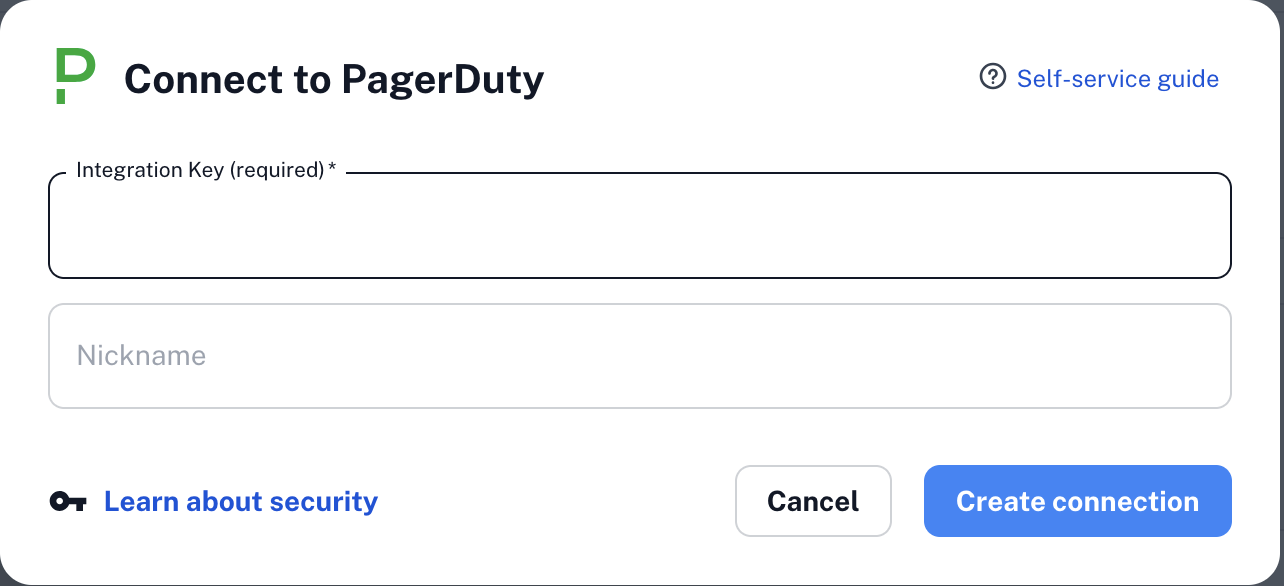
When the connection is saved, Revefi sends a test event — "Revefi generated test event to verify integration key." — to confirm the routing key is valid.
Updated 7 months ago
Did this page help you?