
OpenRouter
Send OpenRouter traces to Revefi AI Observability with a webhook destination.
Prerequisites
- An OpenRouter account with access to its Observability settings.
- A Revefi API access token.
Set up the webhook destination
-
In OpenRouter, open Observability and add a new Webhook destination (open it directly).
-
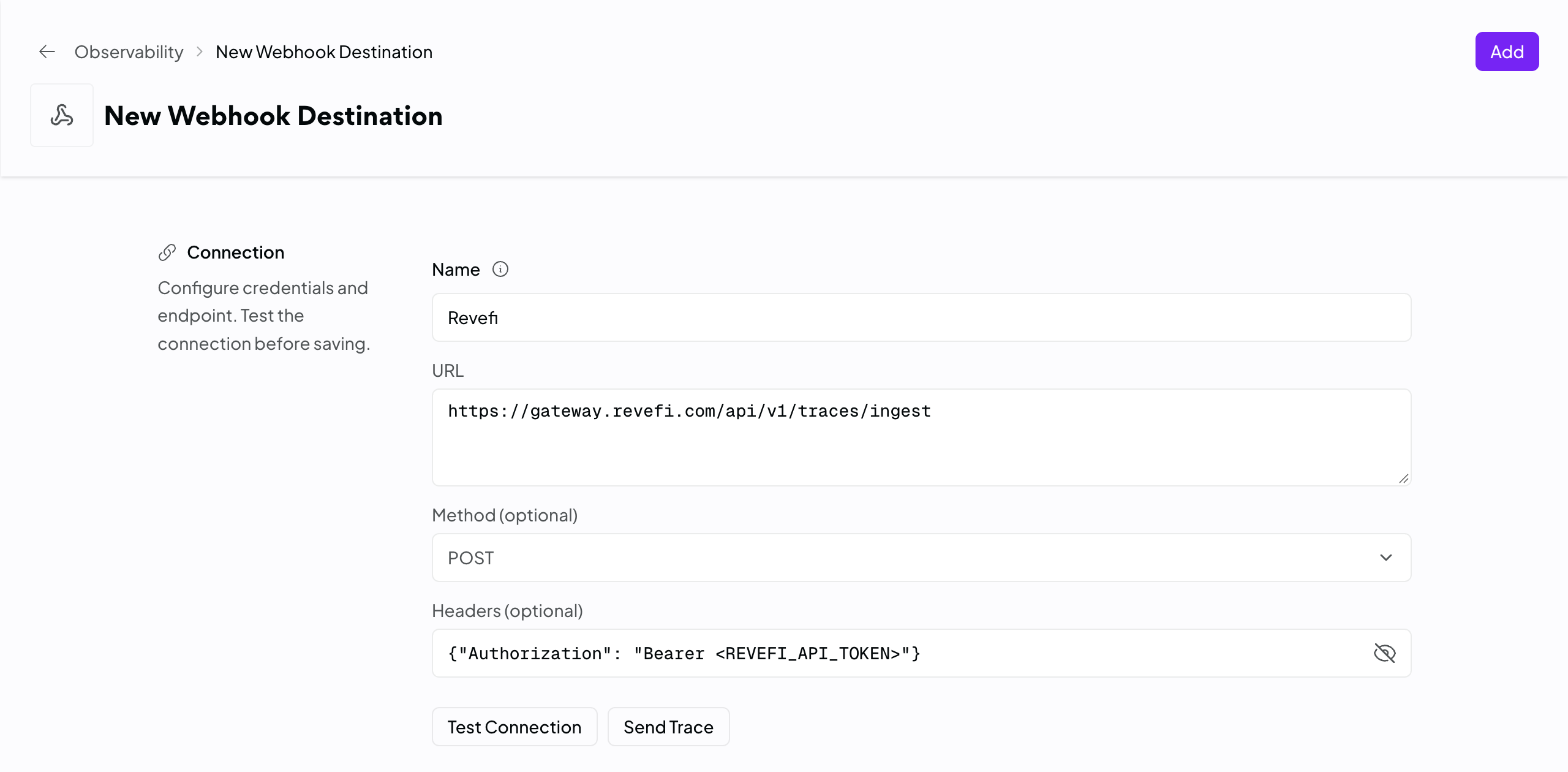
Fill in the form:
Field Value Name RevefiURL https://gateway.revefi.com/api/v1/traces/ingestMethod POSTHeaders {"Authorization": "Bearer <REVEFI_API_TOKEN>"} -
Click Test Connection, then Add.
Requests you send through OpenRouter now appear in AIOps in Revefi.
Privacy Mode
To avoid sending prompts, check Privacy Mode in the destination's Privacy section. It keeps prompt and completion text out of the traces sent to Revefi. Model, token usage, cost, latency, and custom metadata are still sent, so cost and usage reporting is unaffected.
Updated about 10 hours ago
What’s Next
See Span Structure for the fields Revefi extracts from each span.
Did this page help you?