
Google Gemini Authentication for Raden
Revefi supports both API Key and Service Account based Authentication for secure integration of Google Gemini for Raden.
To authenticate with Google Gemini, head over to the Connections page in Revefi and click on the Google Gemini box.
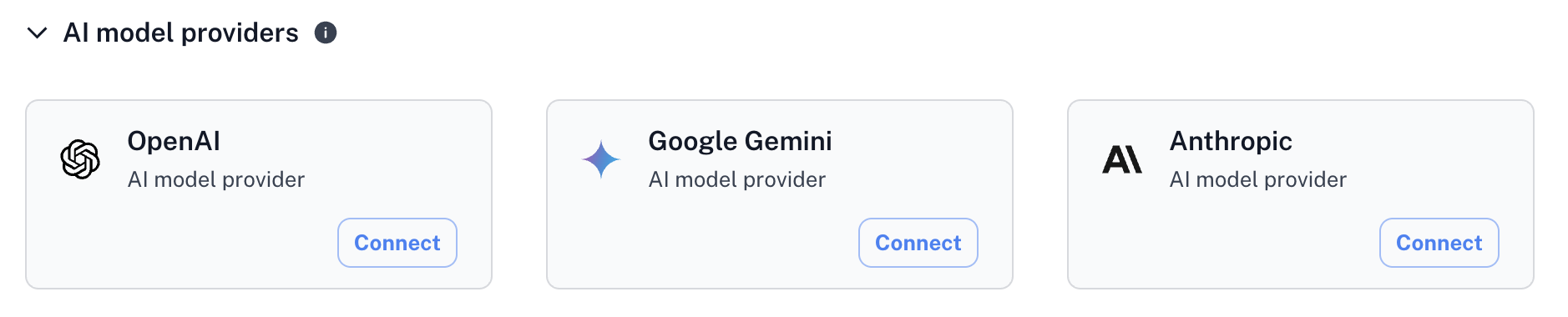
Click on the *Connect button to add a new connection.
API Key Authentication
API Key
Create a Gemini API Key
To authenticate using API keys, first a Gemini API Key will need to be created on Google AI Studio.
More details here: Google Gemini API Key Documentation
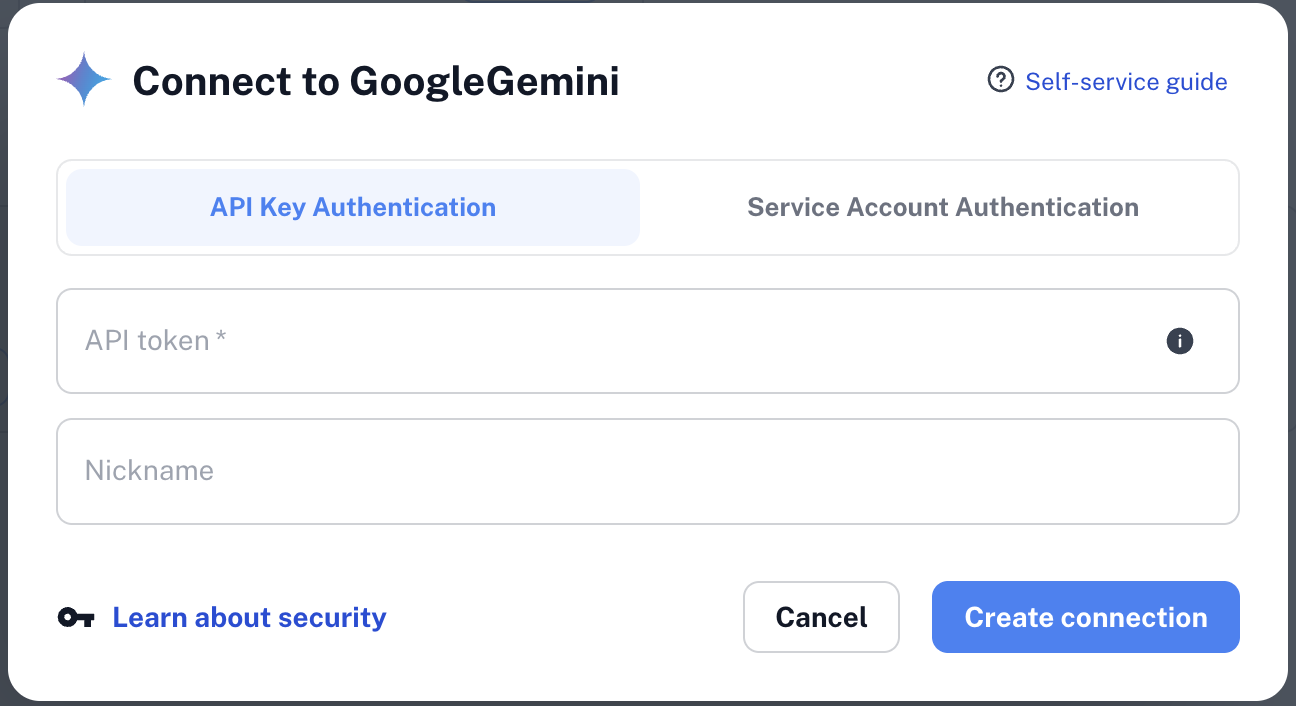
Add the API Key to Revefi
After generating the API key, add the API key to Google Gemini on Revefi Connections page.
Service Account Authentication
Create a Service Account
- A Service account will need to be created on Google Cloud Platform.
- The Service account will need to be granted the necessary permissions to access Gemini:
aiplatform.endpoints.predict - A Service account key will need to be created on Google Cloud Platform.
Raden will fail if the Service account is not granted the necessary permissions to access Gemini, i.e.aiplatform.endpoints.predict.
Note: If an AI provider external provider is added, then models from other providers will not be available to Raden.
Add the Service Account to Revefi
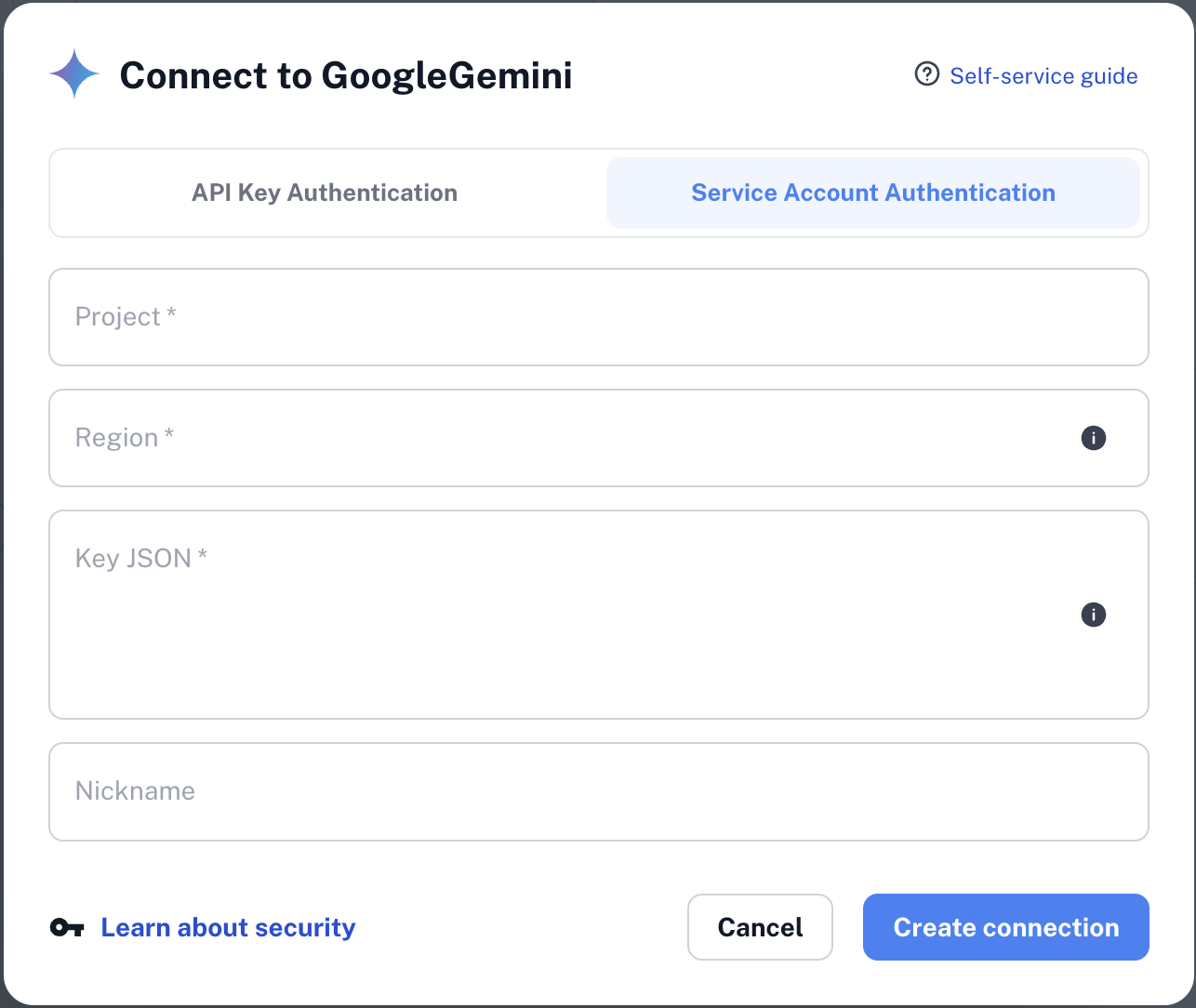
After generating the Service account, add the Service account details to Google Gemini on Revefi Connections page. You will need to provide:
- Service account project ID
- Service account region
- Associated key JSON
Updated 9 months ago
What’s Next
Once this is done, you can start using Google Gemini for Raden. This integration can be edited or removed at any time.
If Google Gemini authentication is added, then models from other providers (OpenAI, Anthropic, etc.) will not be available to Raden.