
Users
Admins can add more users for access to Revefi
Multiple Revefi Accounts
If you have access to multiple Revefi accounts, click your profile icon in the top-right corner and select the account where you’d like to add the user.
Invite new users
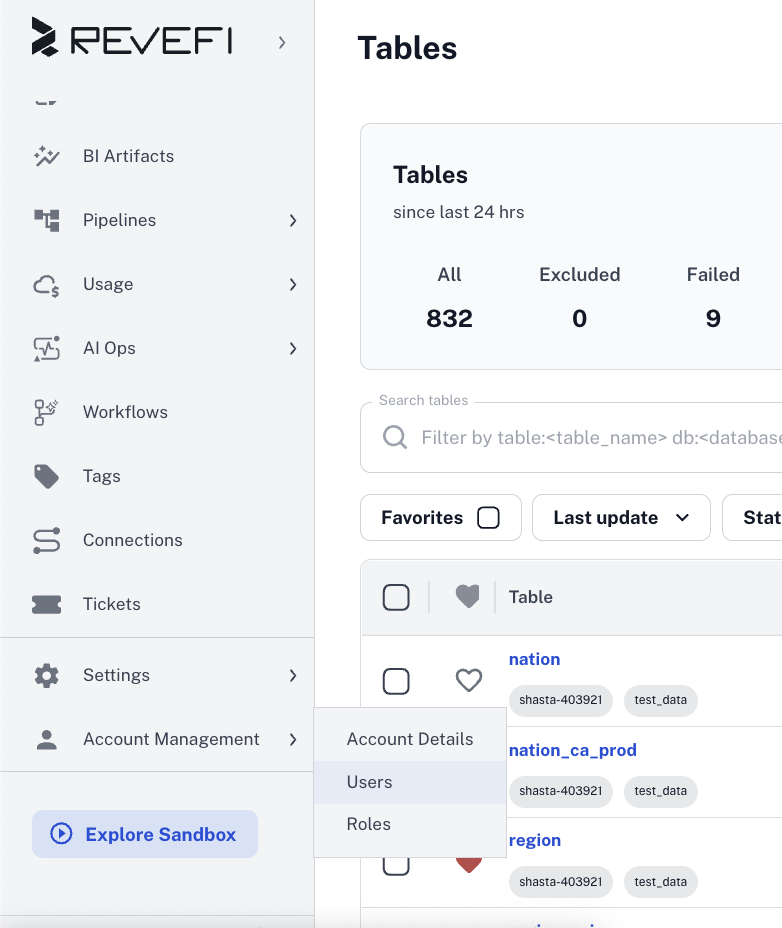
- Step 1: In the left nav bar, go to Account Management -> Users
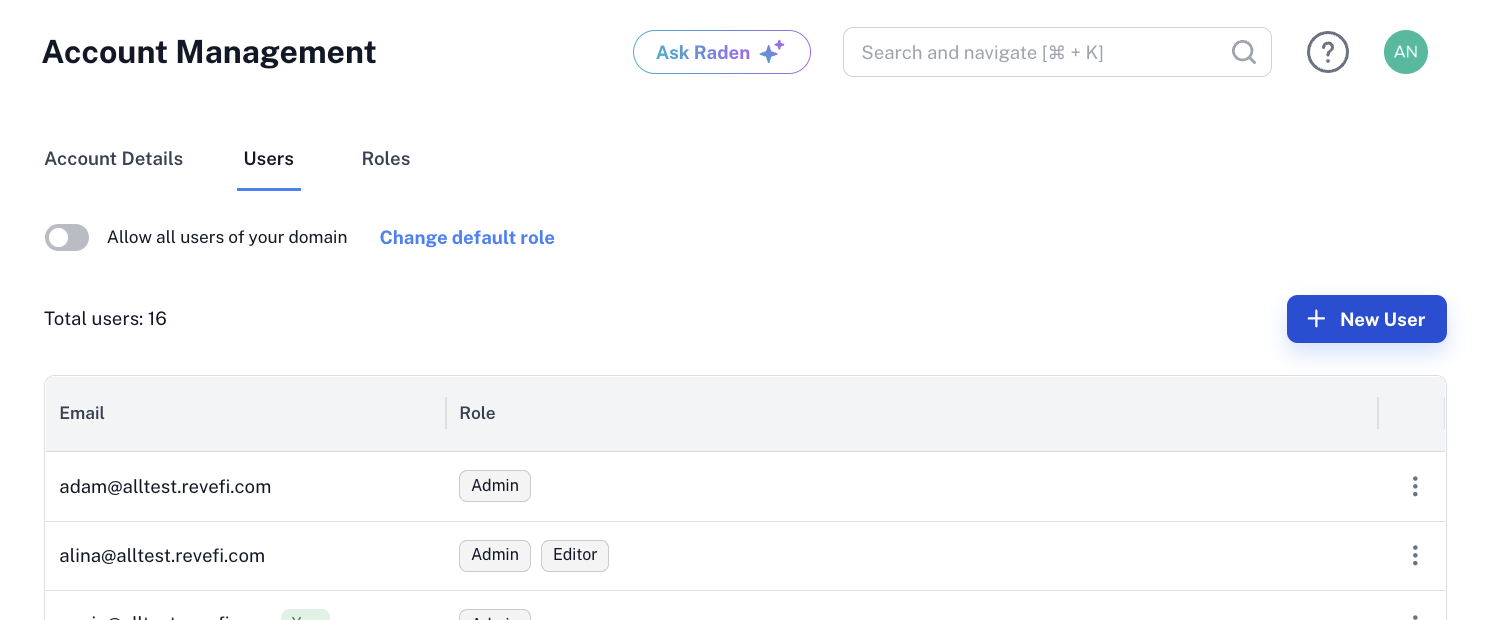
- Step 2: Click on the New User button on top right
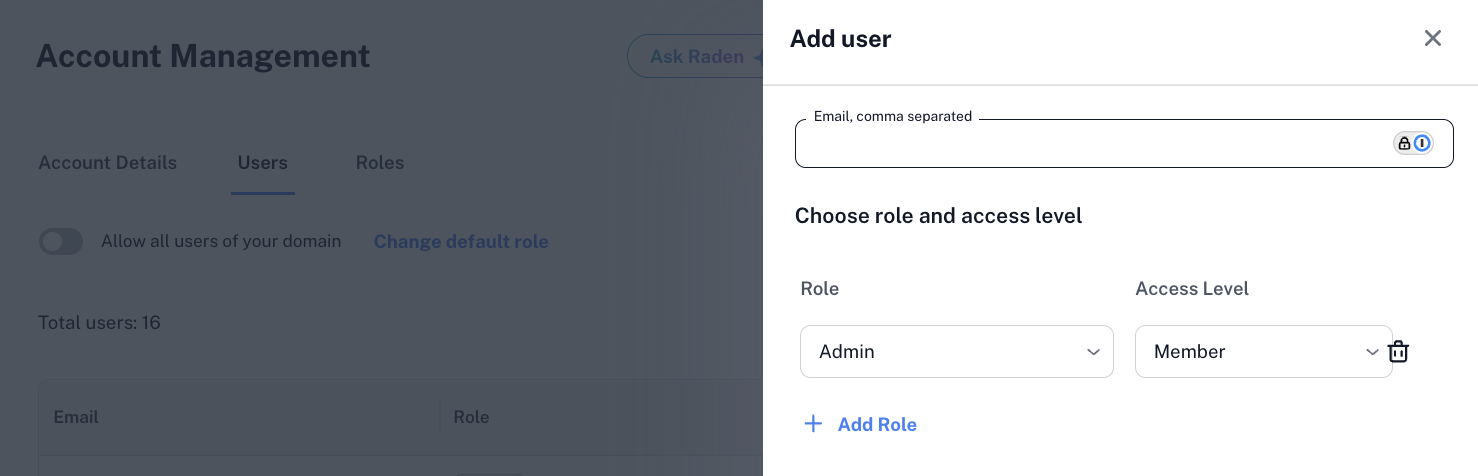
- Step 3: Add the email and the required roles
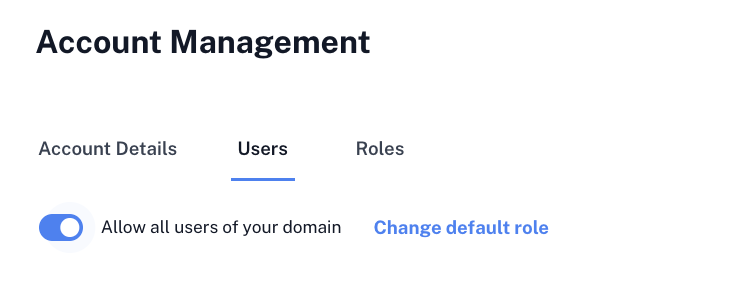
Optionally you can enable the option to Allow all users of your domain so any one with the same email domain can automatically get access to your Revefi account.
Updated 8 months ago
Did this page help you?