
New Revefi Account
Customers can create create new Revefi accounts (tenants) to monitor additional Snowflake/Databricks/BigQuery accounts.
New Revefi Account
- Step 1: Open the
Account Switcherin the top-right corner and chooseAdd account.
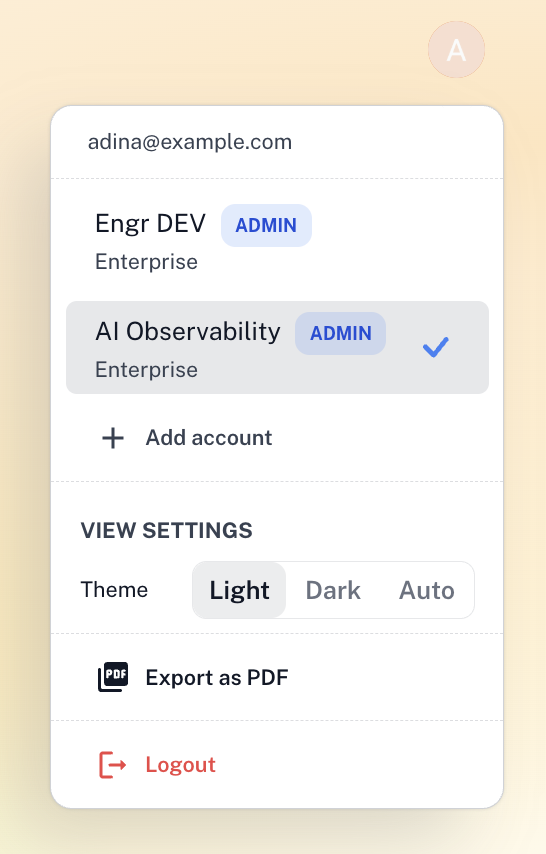
-
Step 2: The Welcome to Revefi page lists the accounts on your email domain, along with the option to create a new one. Find the account you are looking for:
Your accounts: accounts you already have access to.Other accounts: accounts on your domain that you do not have access to yet. You can request access to any of them.
To request access, see Request access to an account.
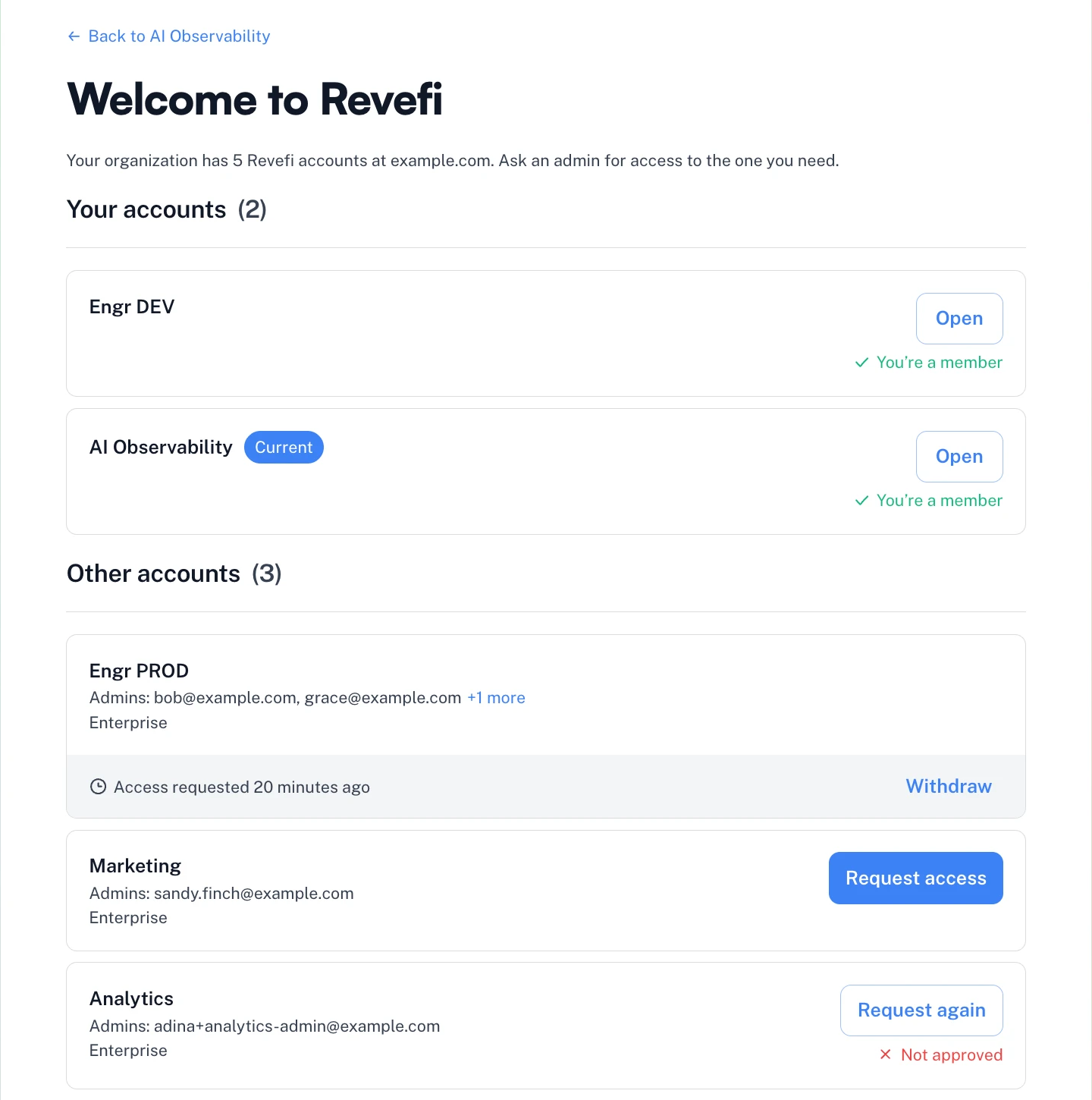
- Step 3: If none of the listed accounts fits (for example, you need a separate account for another team, region or warehouse), click
Create accountunderSetting up a separate account?.
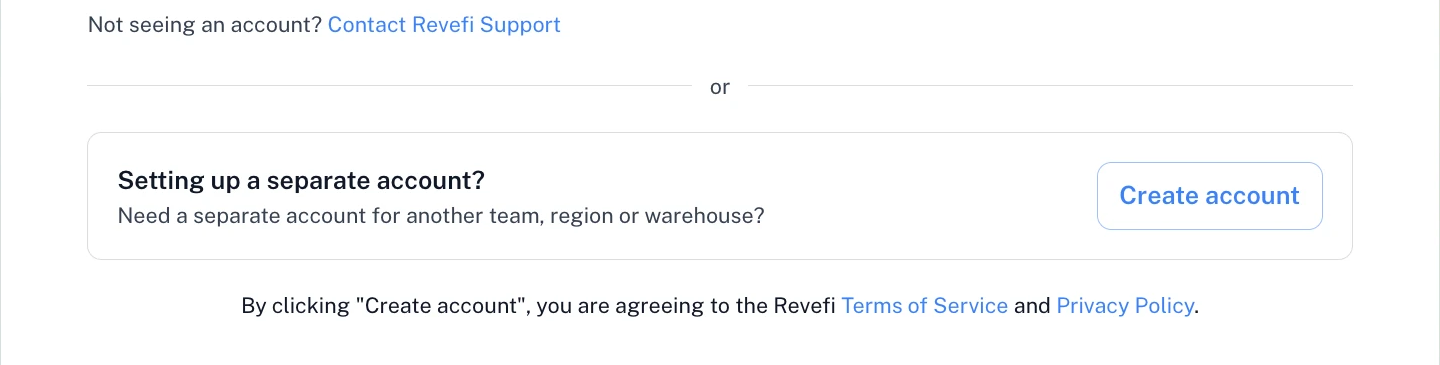
Refer to Getting Started to set up the new account.
Updated 3 days ago
Did this page help you?